Your Big Red Cloud company has just one Administrator. This is likely the person who initially set up your Big Red Cloud account (i.e. yourself or one of your colleagues).
Only the Administrator has access to the Administration section.
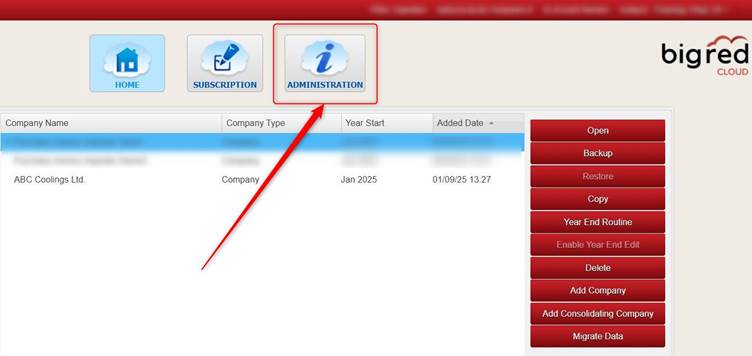
The Administration section shows on the Company Selection screen.
Click ADMINISTRATION to access the Administration section.
Was this article helpful?
That’s Great!
Thank you for your feedback
Sorry! We couldn't be helpful
Thank you for your feedback
Feedback sent
We appreciate your effort and will try to fix the article