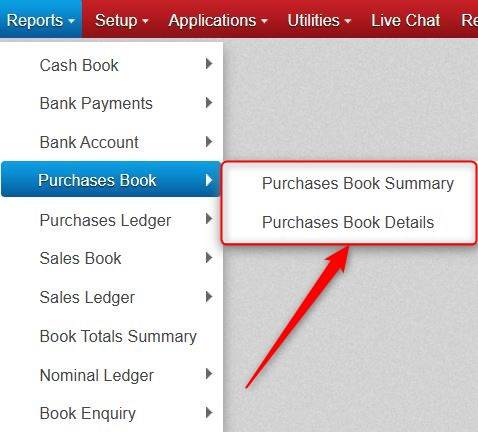
You will see both Summary Reports and Detail Reports across various report sections in Big Red Cloud.
Generally, the Summary Reports (e.g. Purchases Book Summary) are Monthly Totals.
E.g. If you ran the Purchase Book Summary report from January 2025 to June 2025, you would get a Total for January, a Total for February, and so on up to and including June, as well as an overall Total for the Months together.
Generally, the Detail Reports (e.g. Purchase Book Details) give both the Monthly Totals and the transactions that make up the Monthly Totals.
E.g. If you ran the Purchase Book Summary report from January 2025 to June 2025, you would get a Total for January and the transactions that make up that total, a Total for February and the transactions that make up that total, and so on up to and including June, as well as an overall Total for the Months together.
Was this article helpful?
That’s Great!
Thank you for your feedback
Sorry! We couldn't be helpful
Thank you for your feedback
Feedback sent
We appreciate your effort and will try to fix the article