Go to app.bigredcloud.com > and click Forgot your password.

Type in your email address for Big Red Cloud and tick the box I’m not a robot.
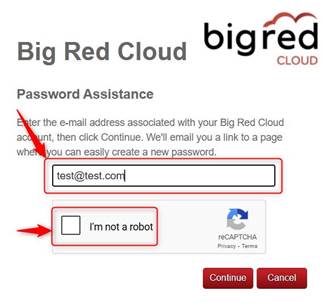
Once a tick shows in the I’m not a robot box, click Continue.
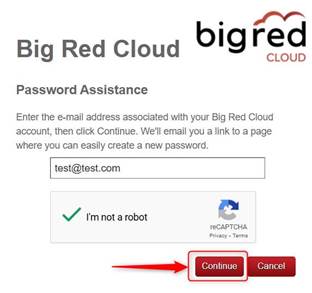
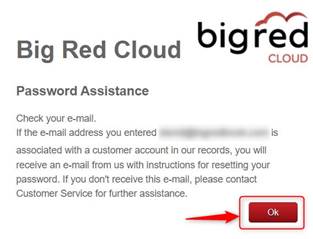
Click OK on the next screen.
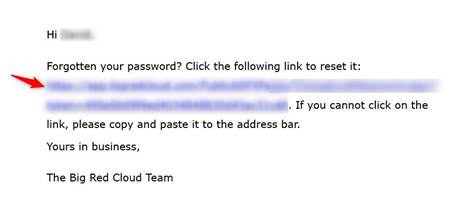
Check your Email Inbox for an email from Big Red Cloud (no reply) titled Password Recovery. If you do not see that email, check your spam/junk folders too. Click the blue link in that email.
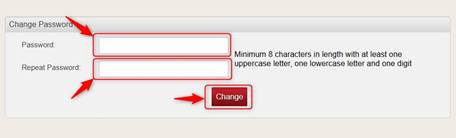
On the next screen, type your new password into both into the Password box and into the Repeat Password box and click Change.
On the next screen click Open Login page.
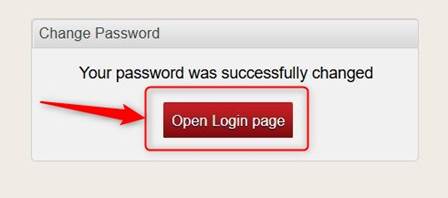
From there you can sign in to Big Red Cloud.

Was this article helpful?
That’s Great!
Thank you for your feedback
Sorry! We couldn't be helpful
Thank you for your feedback
Feedback sent
We appreciate your effort and will try to fix the article