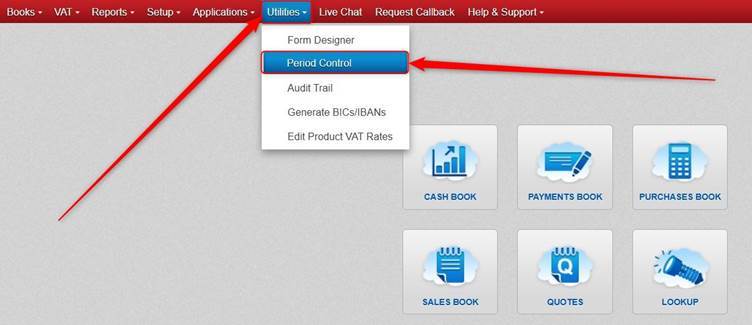
Click Utilities > click Period Control.
You can choose a Book and Month and double click it or click Open/Close.
The X indicates it’s locked/closed that Month for that Book.
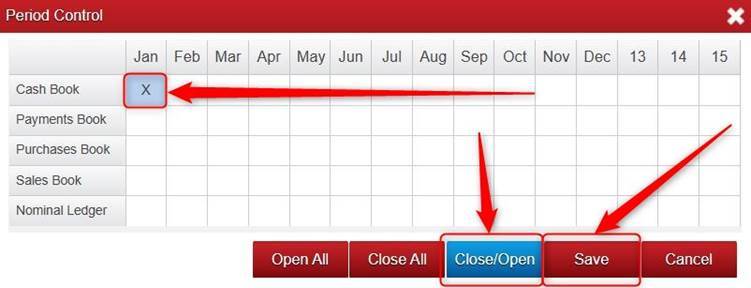
Click Save.
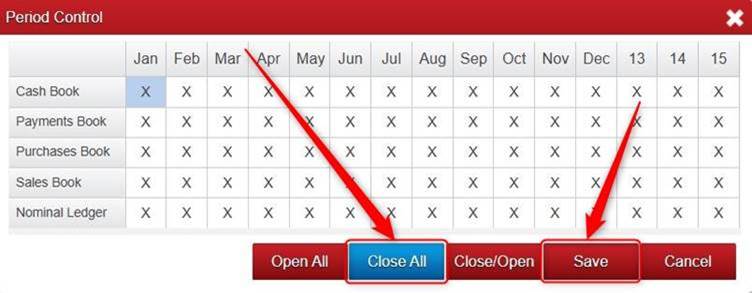
In Period Control, there is also the Open All and Close All (Lock) buttons available if you want to Open or Close ALL Months for ALL Books at once.
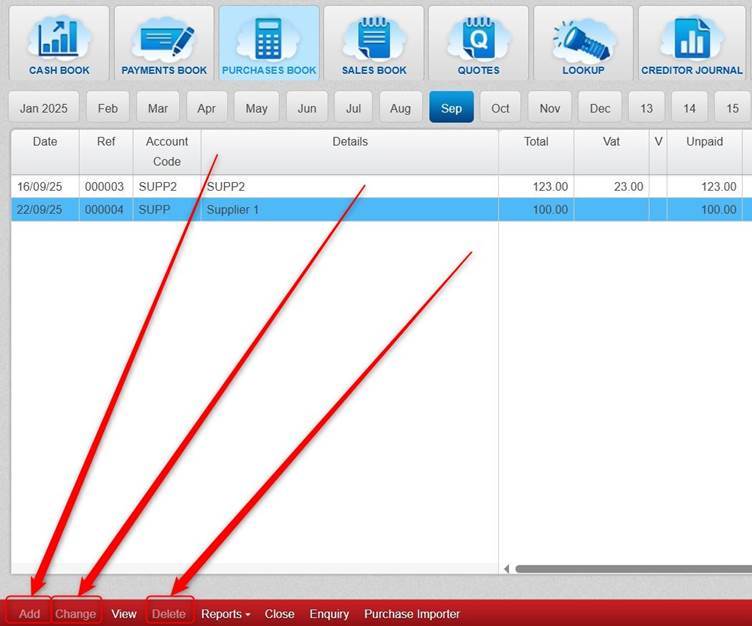
Once you have closed a Month and Book, it will prevent you from adding, changing or deleting a transaction in that Book for that Month.
The Add, Change, and Delete buttons will be greyed out.
Please note you can go back in to the Period Control section to Open/Close Books and Months, so it is not a permanent setting.
Was this article helpful?
That’s Great!
Thank you for your feedback
Sorry! We couldn't be helpful
Thank you for your feedback
Feedback sent
We appreciate your effort and will try to fix the article