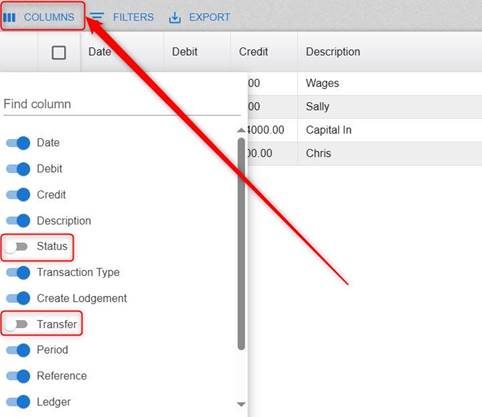
To hide columns, click the Columns heading and click off any column that you don’t want to see.
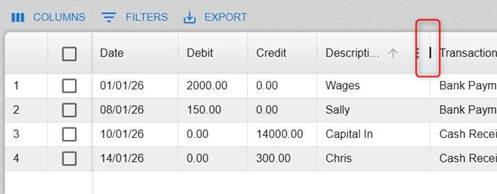
To shorten a column width, put the cursor between two column headings and drag them over.
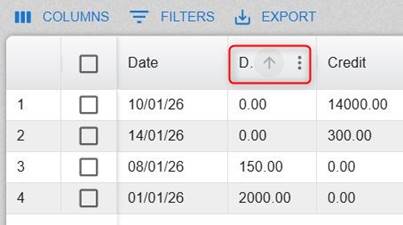
To sort (ascending/descending) a column(s), just click the column heading.
Was this article helpful?
That’s Great!
Thank you for your feedback
Sorry! We couldn't be helpful
Thank you for your feedback
Feedback sent
We appreciate your effort and will try to fix the article